Sugar Cage App Designing a Smarter Way to Reduce Sugar
Project Type
Mobile Application
Role
UX Researcher, UX/UI Designer
Tools
Figma, Miro, Illustrator, Photoshop, After Effects, FireFly, Midjourney
Overview
"Wait, how much sugar is in this?"
Have you ever looked at the back of a soda can and felt a mini-heart attack?
Because I have. I realized that we’re all consuming way more sugar than we think,
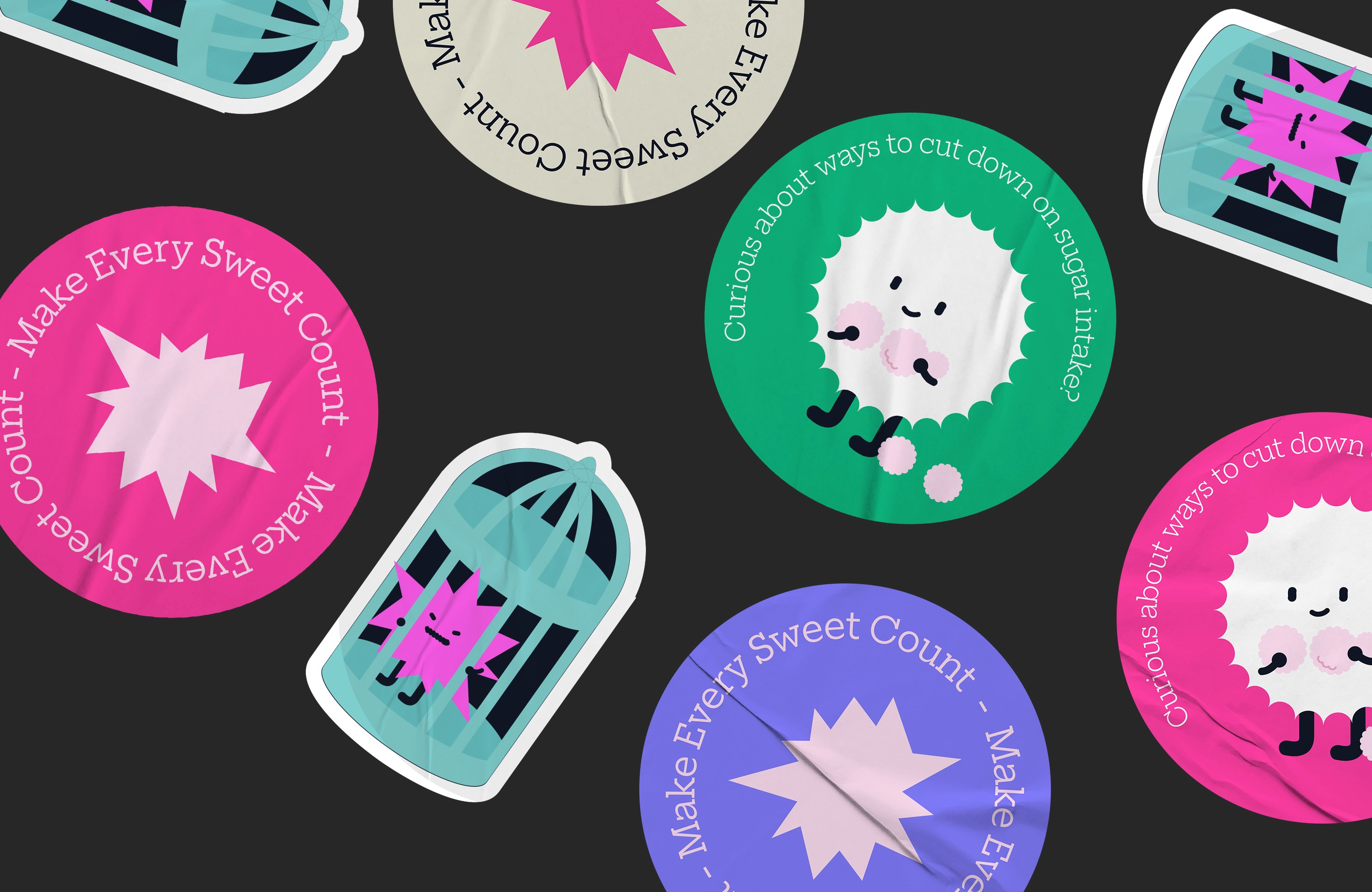
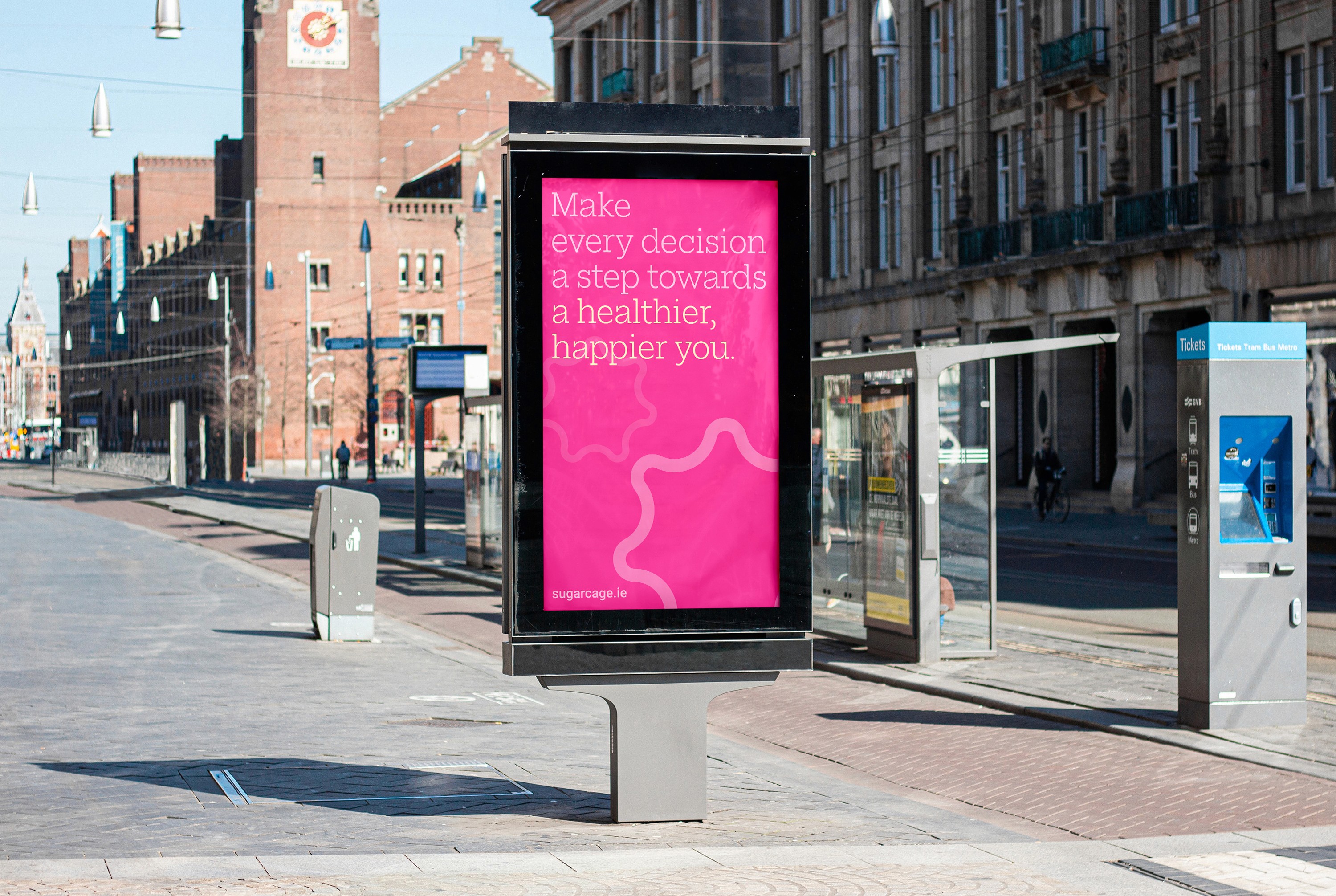
but tracking it felt like a chore. "How can I make sugar management less of a lecture and more of a game?" That’s how Sugar Cage was born. I wanted to create an app that doesn't just judge you
for your sugar intake, but helps you 'trap' those sugar monsters and stay healthy in a fun way.
The Problem
The tools exist. The information is out there.
So why do people still give up?
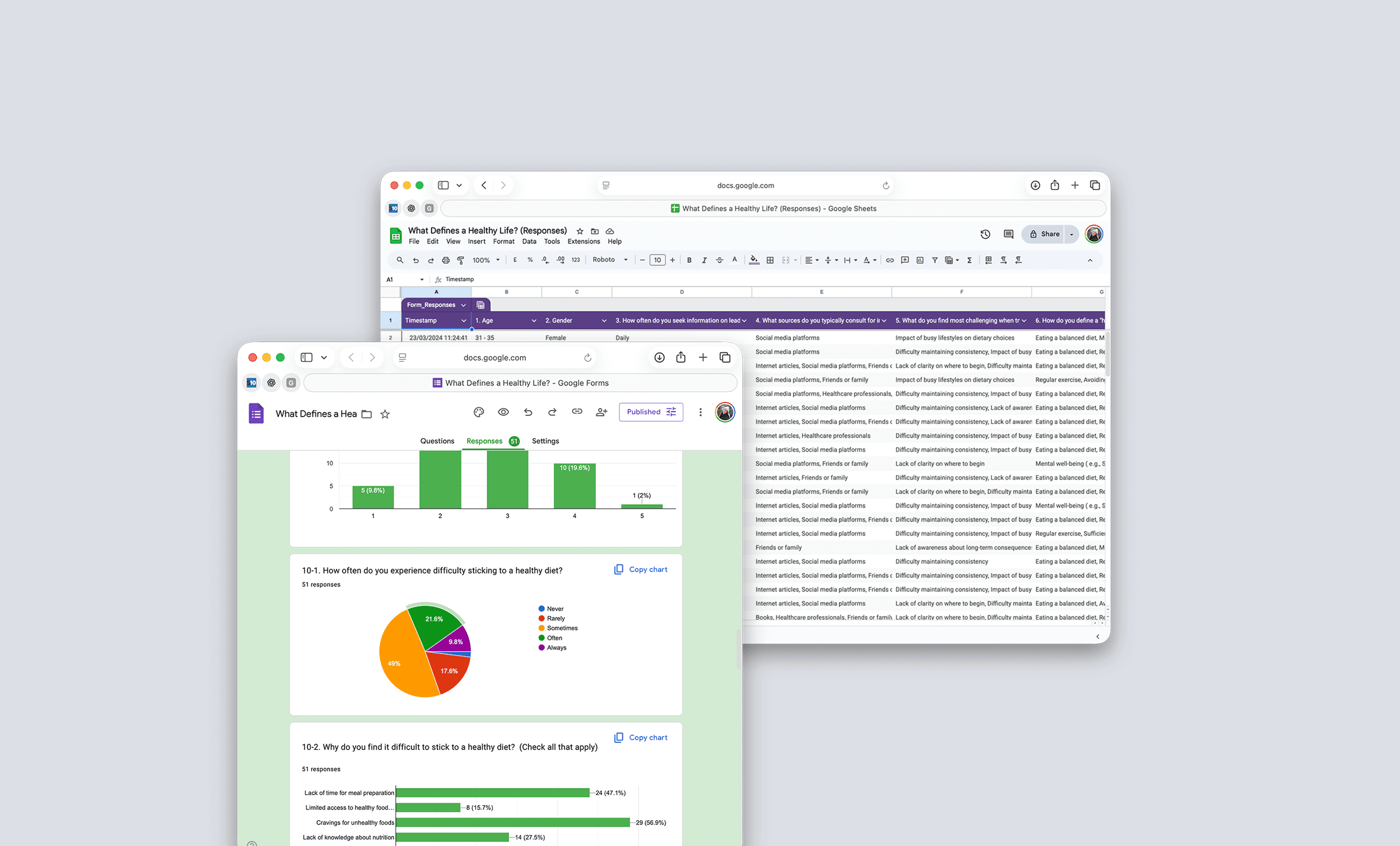
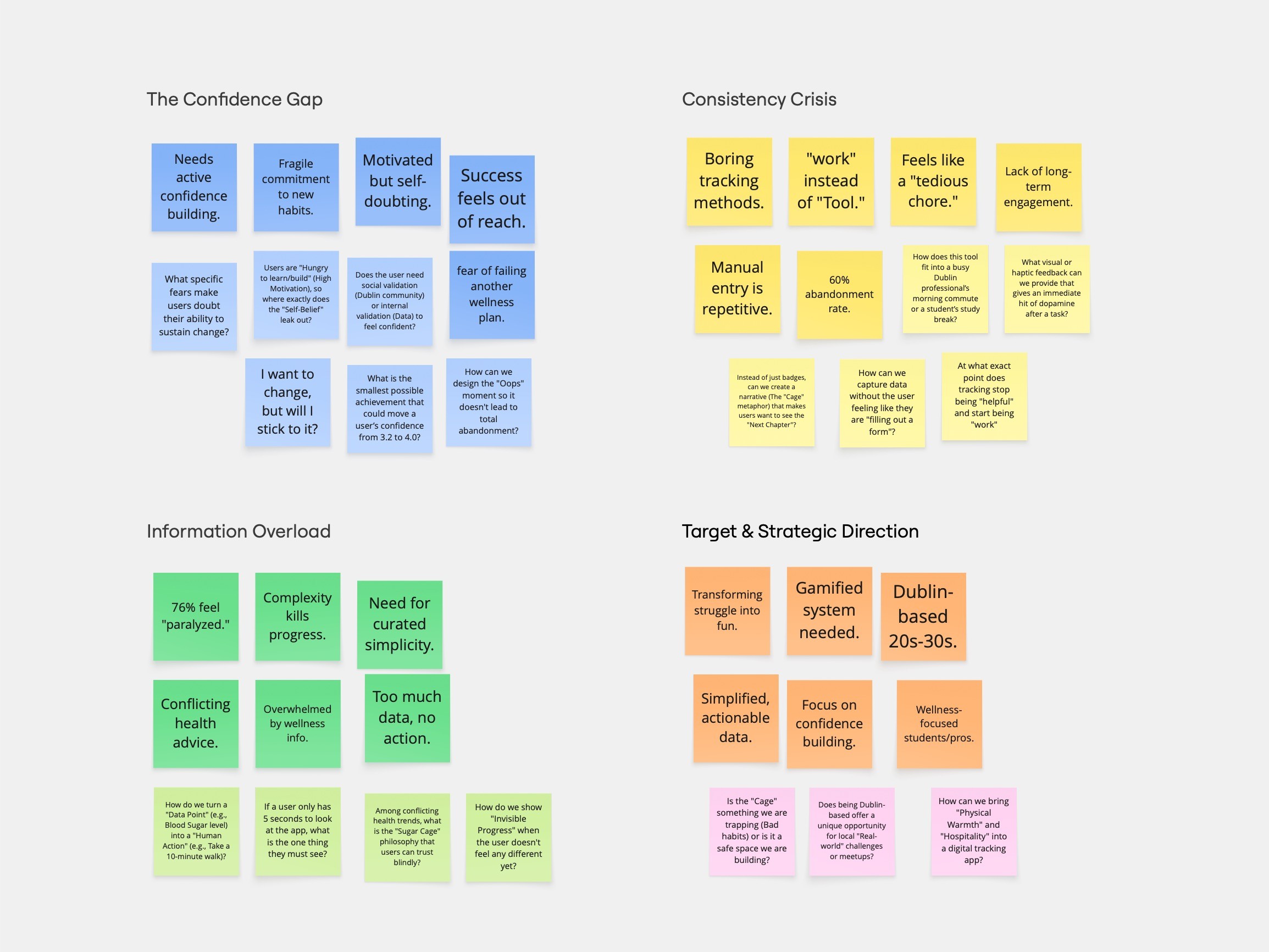
Research: Digging into the Why (Affinity Mapping)
Participants | 34 Dublin-based professionals & students (Age 20–30) |
Core Motivation | Improving physical health and maintaining sustained energy |
Operational Barriers | 76% Information Overload: Too much data, too little guidance |
Emotional Hurdle | The Confidence Gap (3/5 score): Users feel overwhelmed by guilt and a |
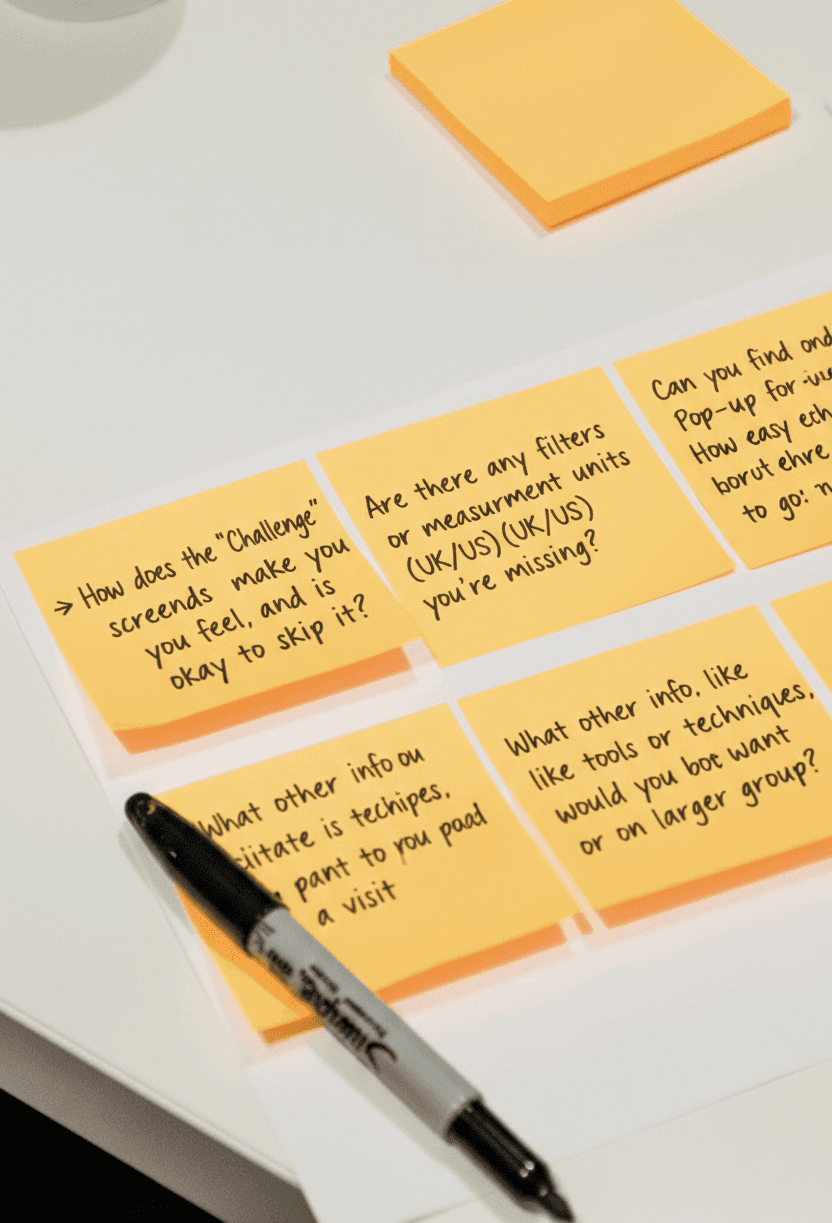
I surveyed 34 Dubliners to uncover their biggest health hurdles.
I expected to hear about a 'lack of time' or 'lack of info,'
but here is the unexpected psychological barrier I actually found:
The Confidence Gap
High motivation, but low self-belief. Users need emotional support.
The Consistency Crisis
Tracking feels like a 'tedious chore'. Friction is the reason.
The Information Trap
Paralyzed by conflicting data. Don't know where to start.
Solving the All-or-Nothing Trap
'Why do people find it so hard to stick to a goal?'
Cutting down on sugar is harder than it looks — not because people lack willpower, but because most apps make the experience feel like a test they're constantly failing. So instead of building a simple tracker, I shifted my focus to empowering the user at every step.
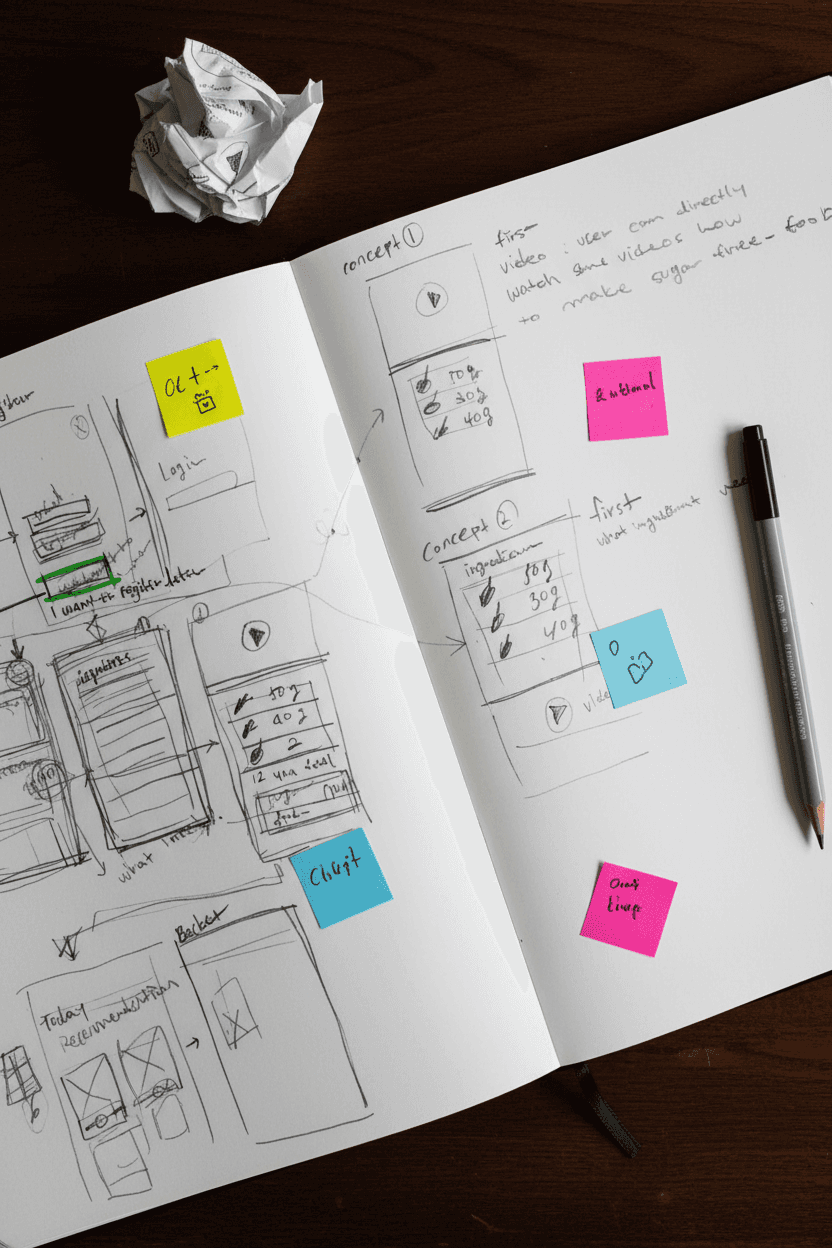
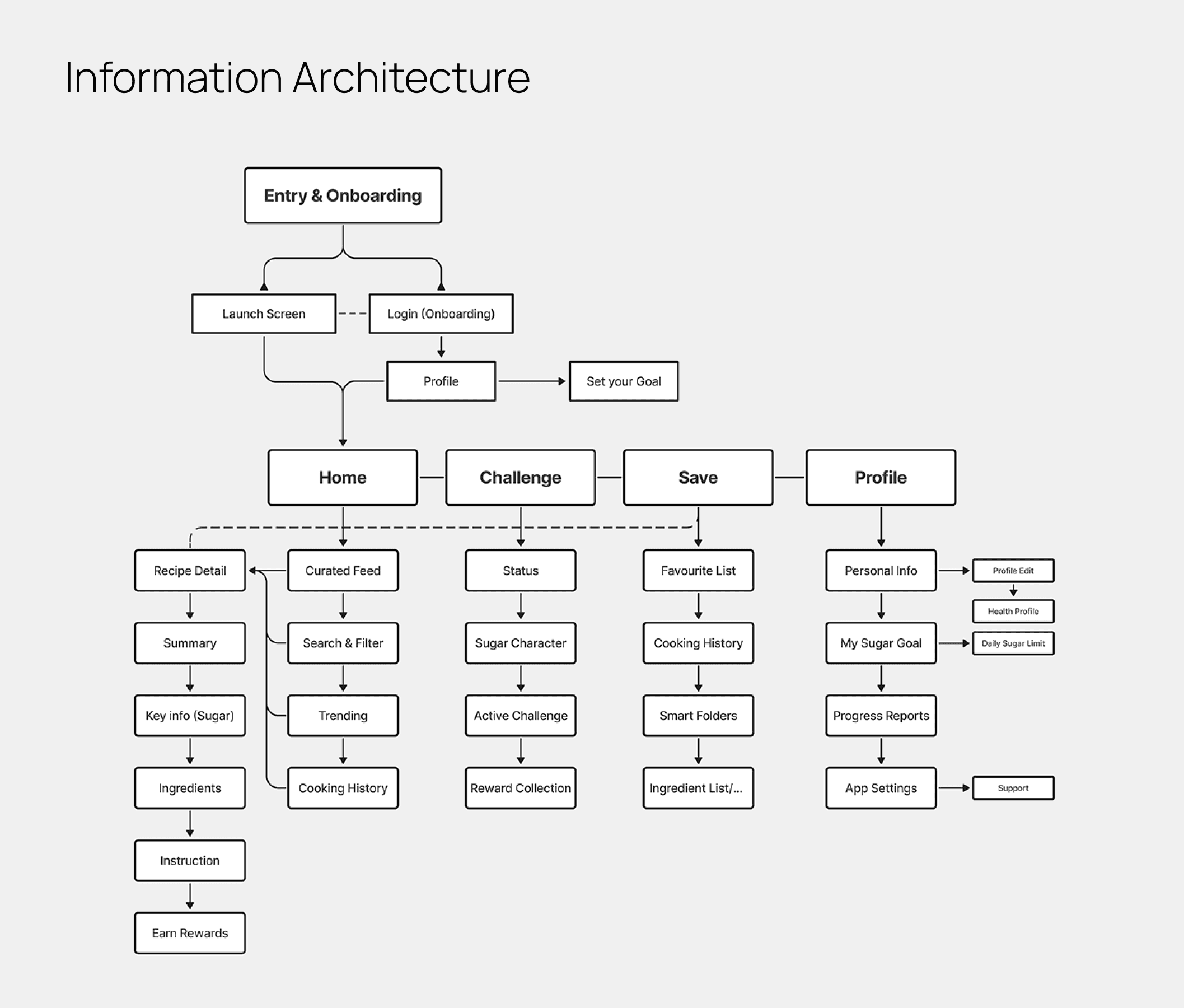
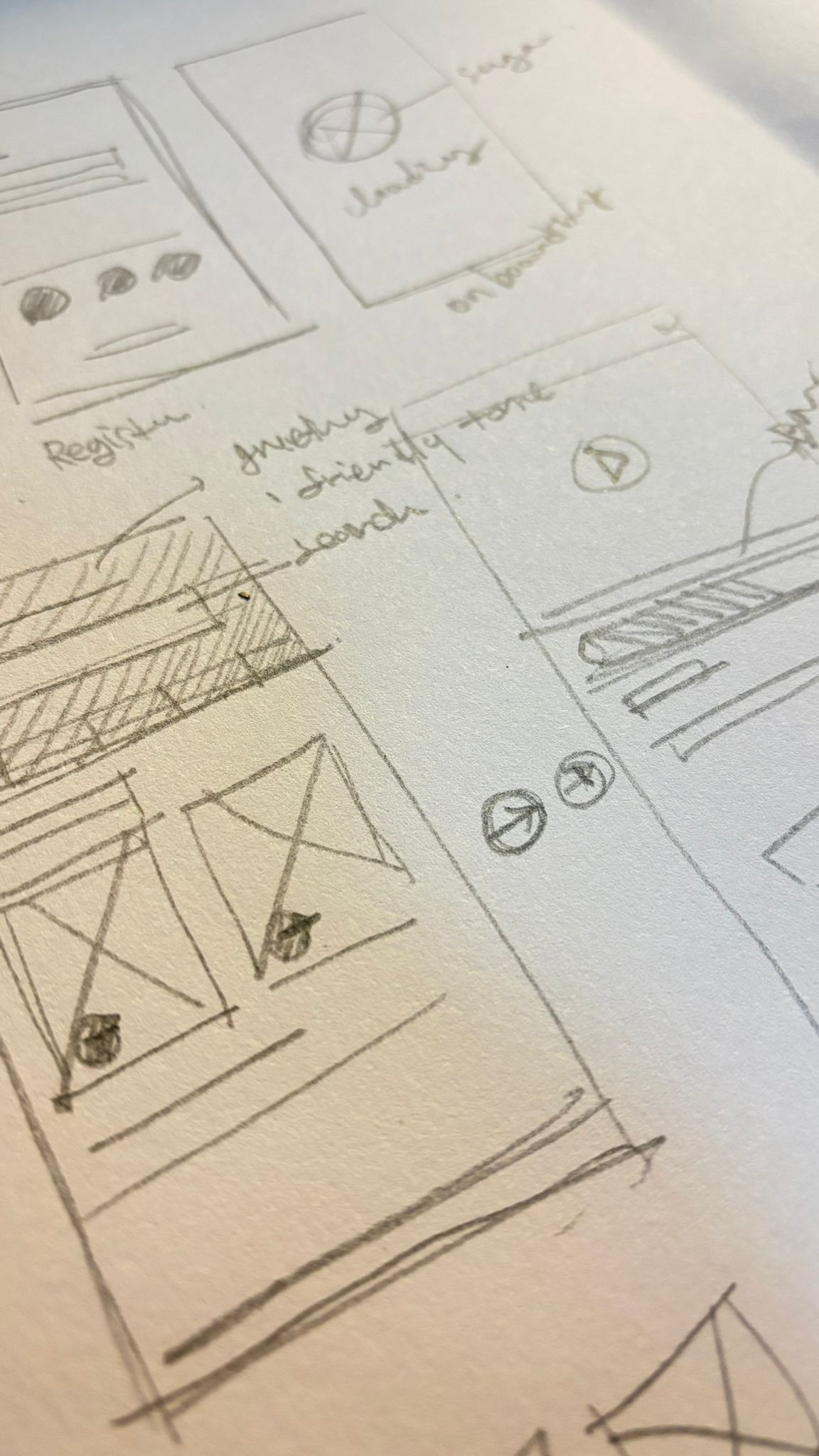
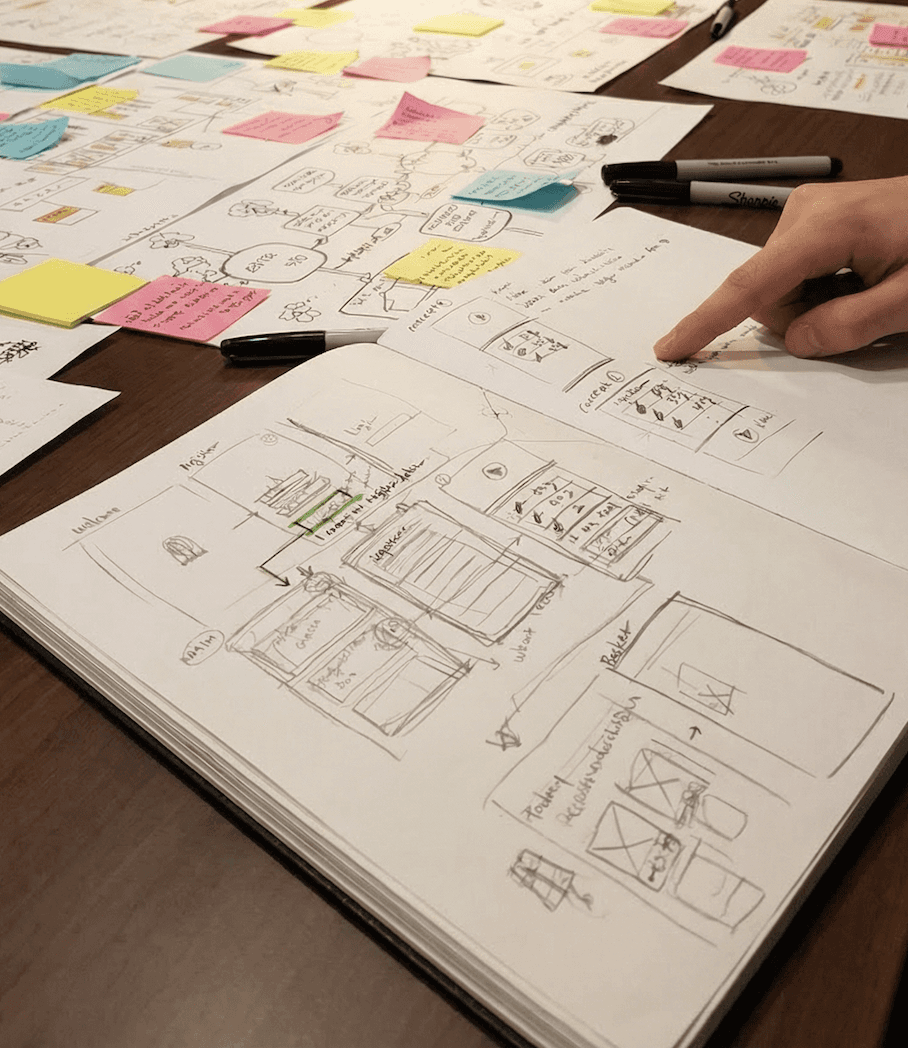
I started with the Information Architecture (IA) to make deliberate structural decisions. The core challenge was reducing cognitive load: I grouped features into three clear zones — Track, Cook, and Grow — so users would never feel lost or overwhelmed. I intentionally kept the navigation shallow (max 2 taps to any key action) to lower the barrier for daily use.
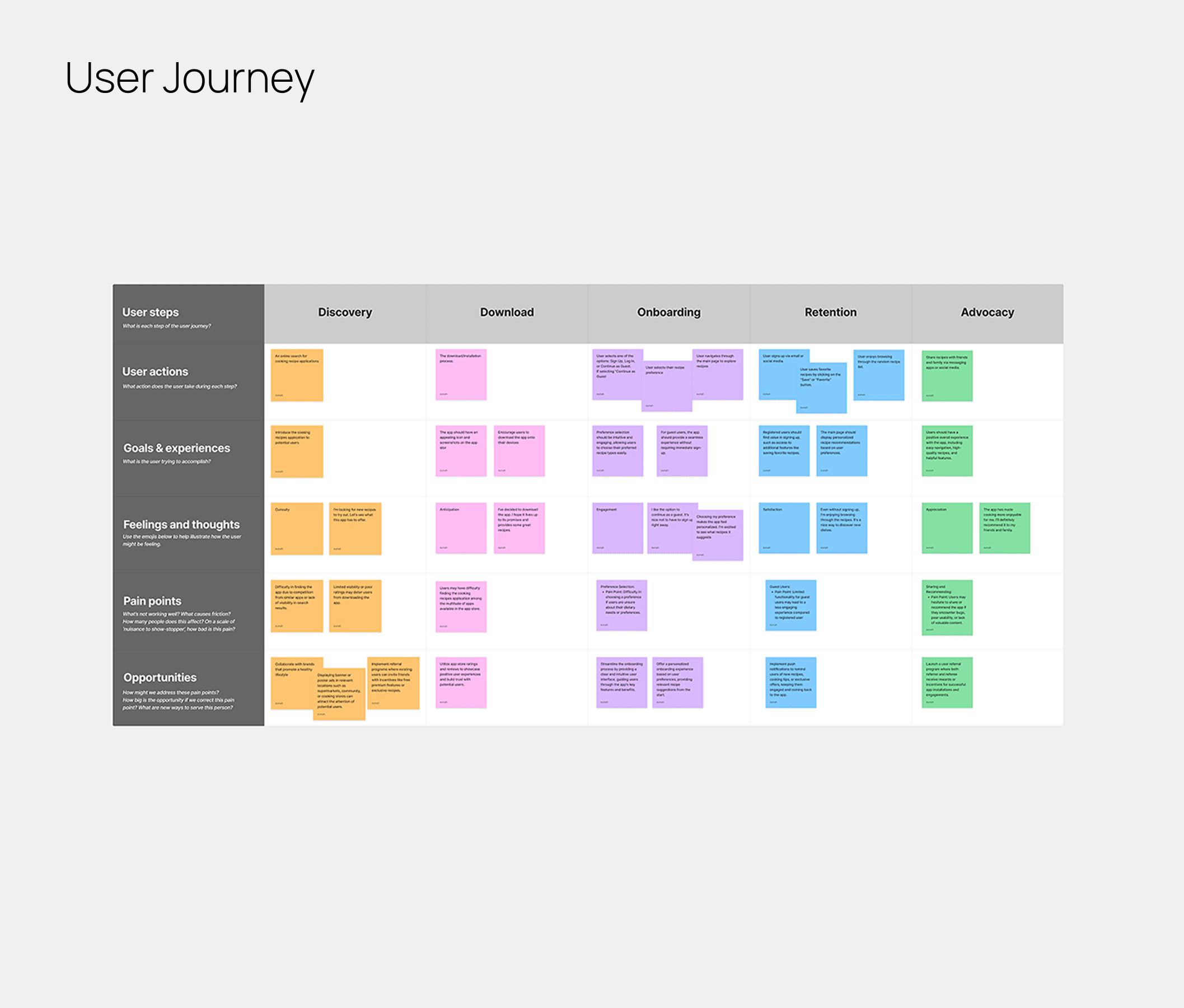
From there, I mapped out the User Journey to pinpoint the exact moments where users typically give up — what I called 'quitting moments'. These became my design targets. For example, I found that the evening check-in was a high-dropout point, so I reframed it as a moment to "feed your buddy" rather than log a failure. Every structural decision was made with one question in mind: does this give the user a reason to come back tomorrow?
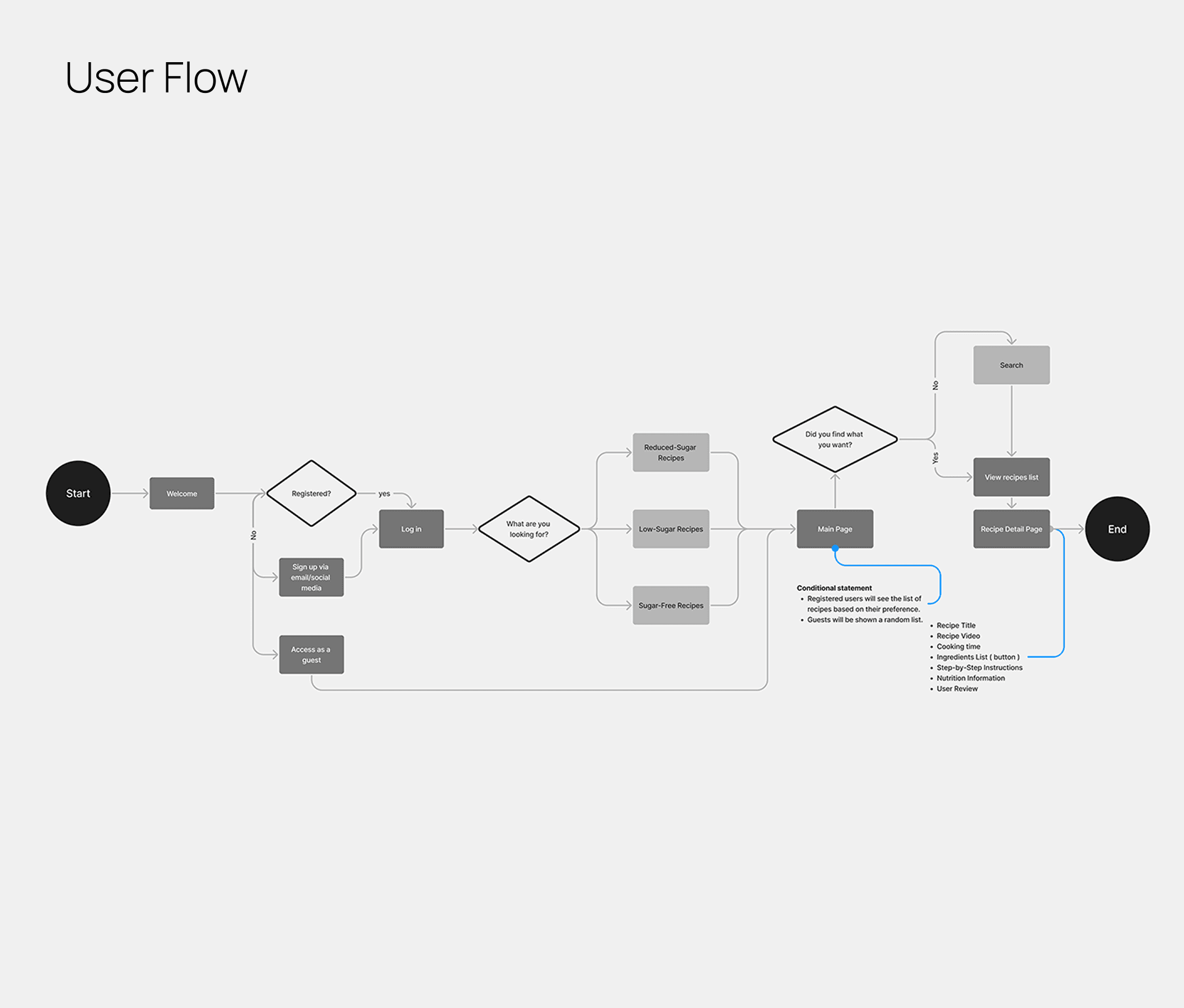
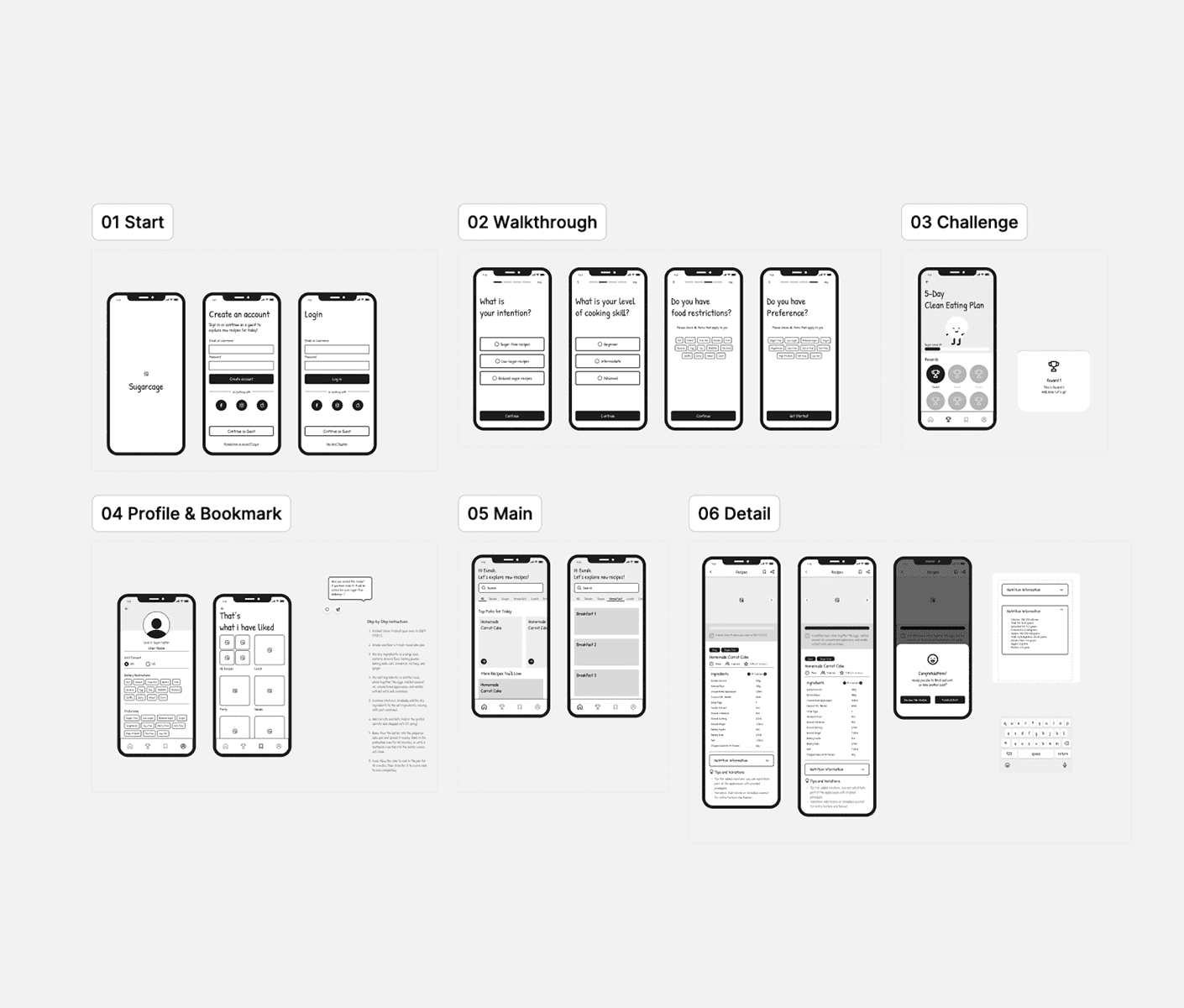
Flow, Prototype, and Testing
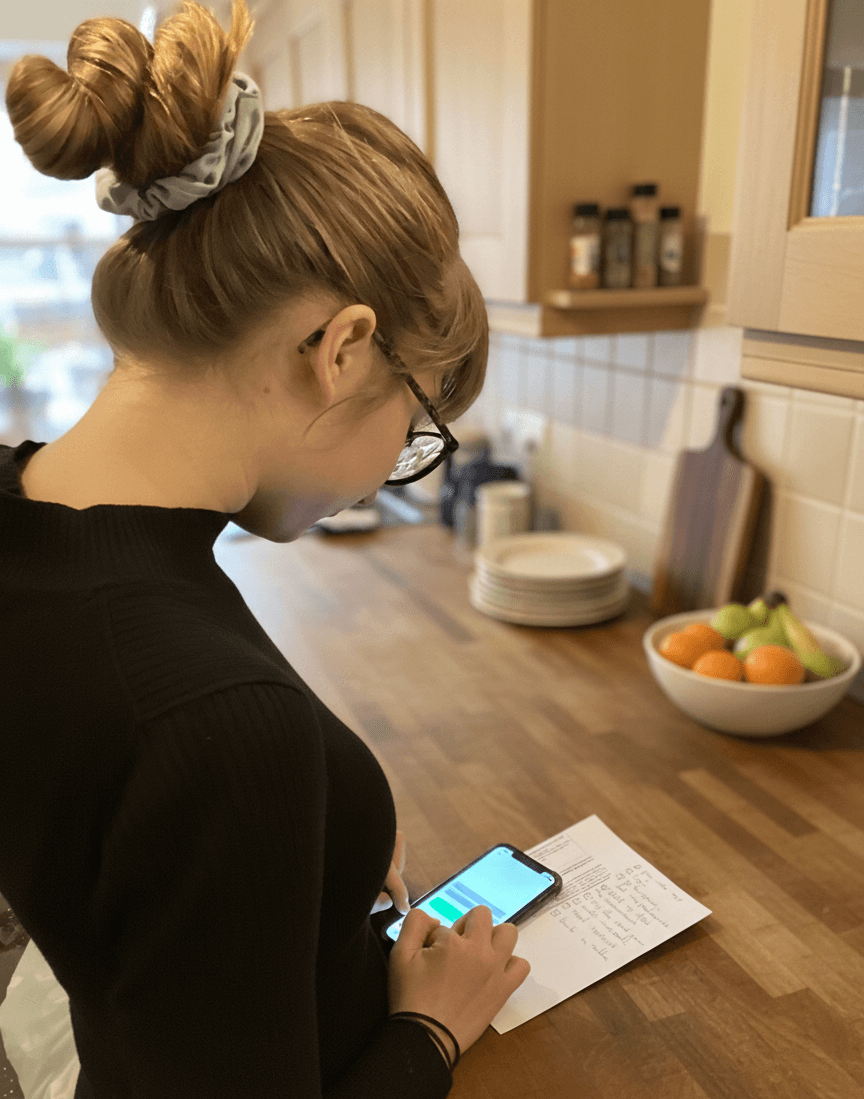
To validate the experience, I conducted two rounds of usability testing with 4 participants, measuring task completion rate, error frequency, and time-on-task across key flows.
Round 1 revealed that 3 out of 4 users struggled to locate the food logging feature within 60 seconds, and 2 users abandoned the onboarding flow mid-way due to too many steps.
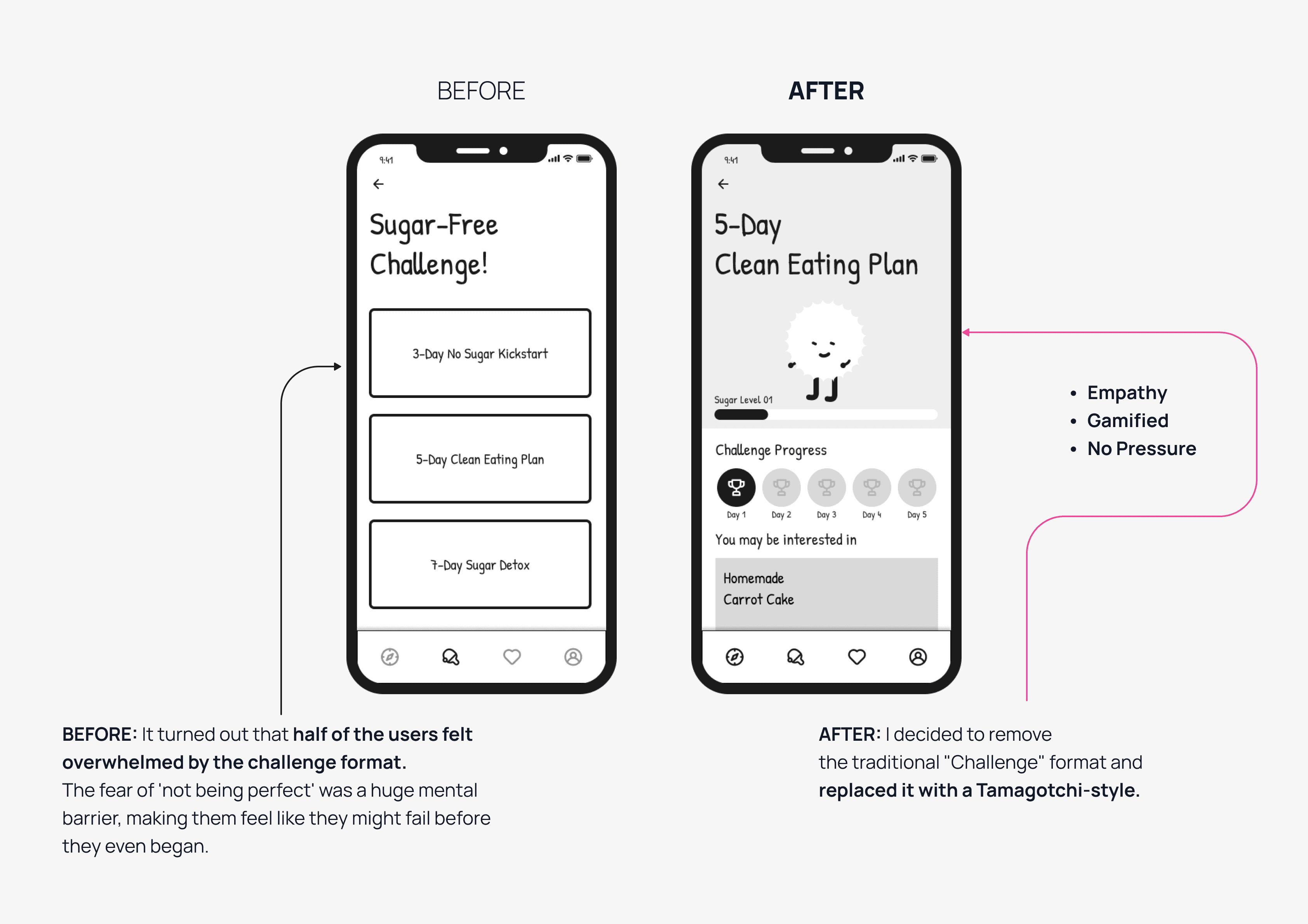
After redesigning the navigation structure and replacing the text-heavy challenge list with the Tamagotchi-style buddy system, Round 2 showed clear improvement: task completion rate increased from 50% to 100% on the core logging flow, and average onboarding drop-off reduced significantly with the new 4-step chat format. Users also rated the overall experience 4.2/5 for ease of use, up from 2.8/5 in Round 1.
These results confirmed that reducing cognitive load — not adding more features — was the right direction.
User Profile (Swipe to see more →)
Office Worker
Registered Nurse
Part-time Student
International Student
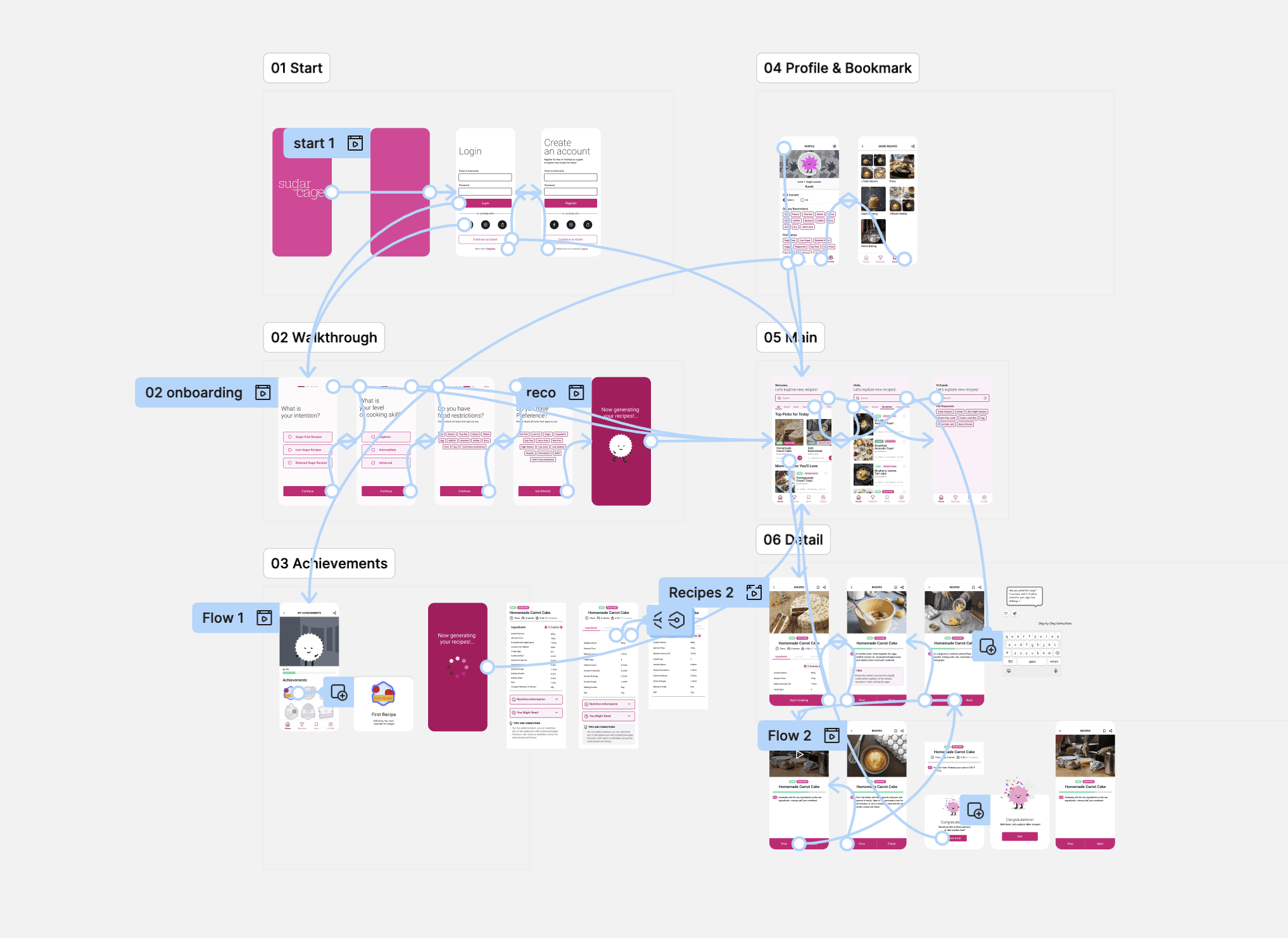
How User Feedback Evolved the Design
Based on user feedback, I focused on three major pivots to make the experience more encouraging and intuitive:
From Task to Care: Swapped the boring "Challenge" list for a Tamagotchi-style buddy to turn guilt into motivation.
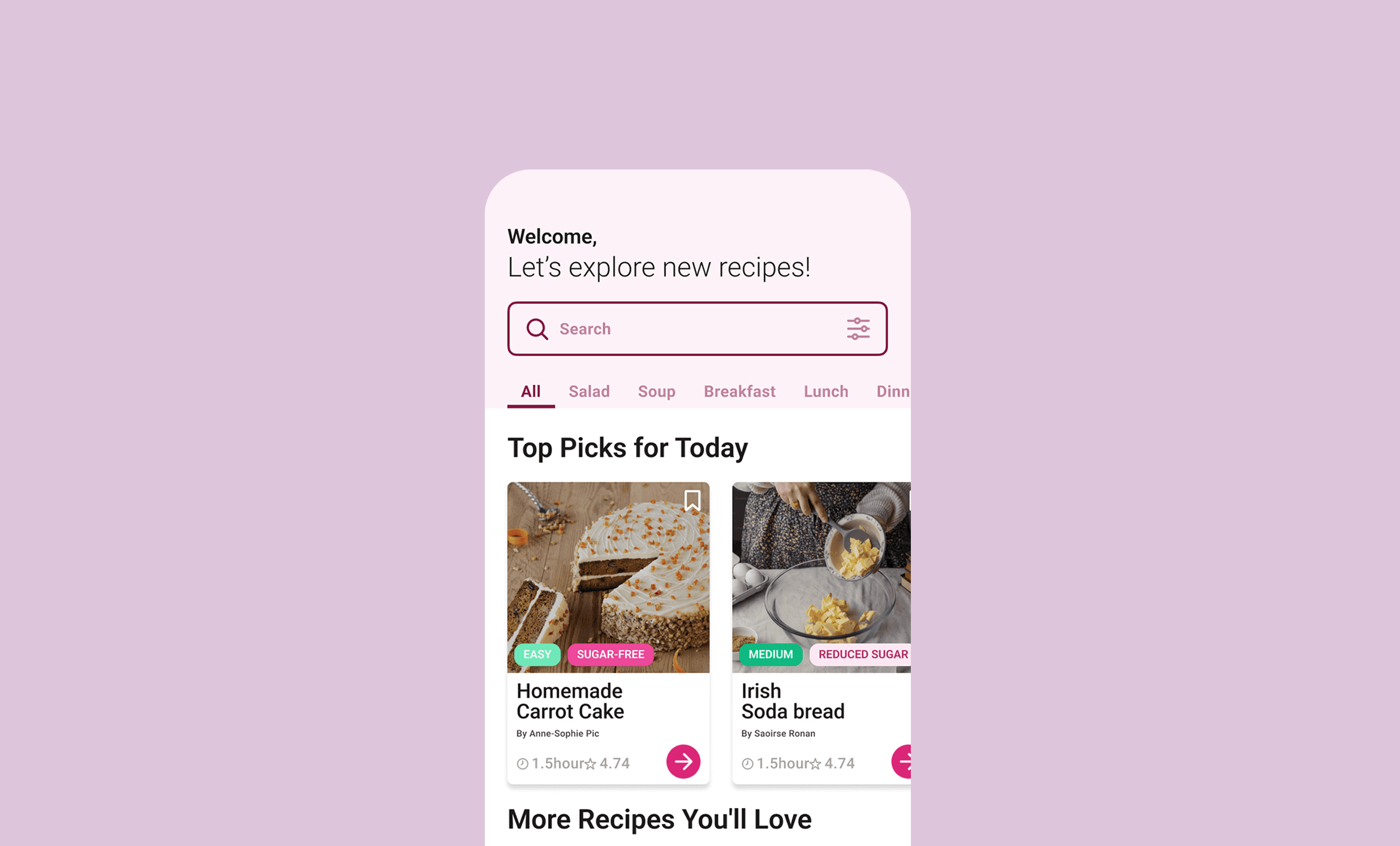
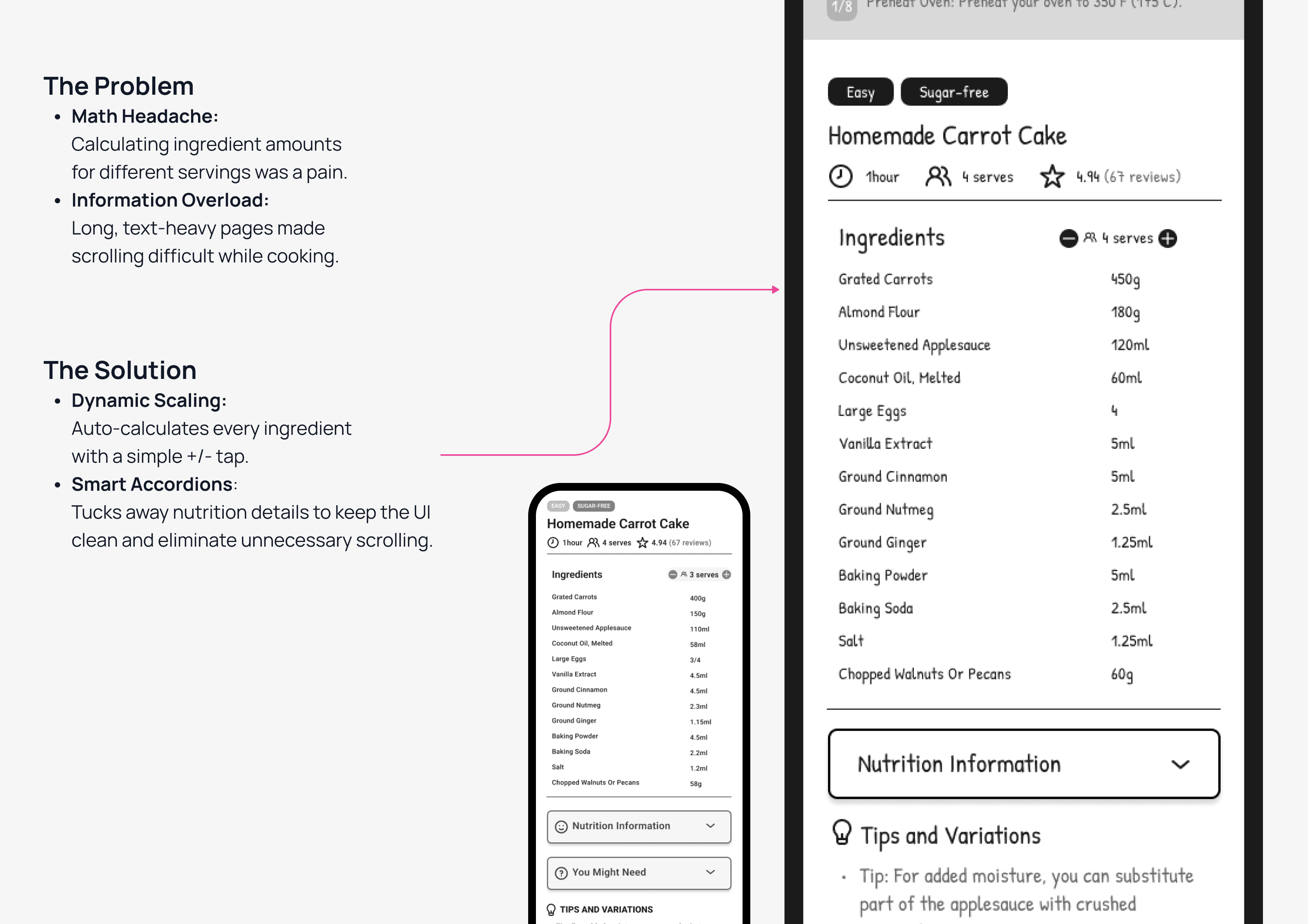
Optimized Cooking Flow: Introduced a Three-tier Tab System to eliminate endless scrolling in the kitchen.
Smart Personalization: Added Dynamic Scaling (+/- servings) and a 4-step chat onboarding for a tailor-made experience.
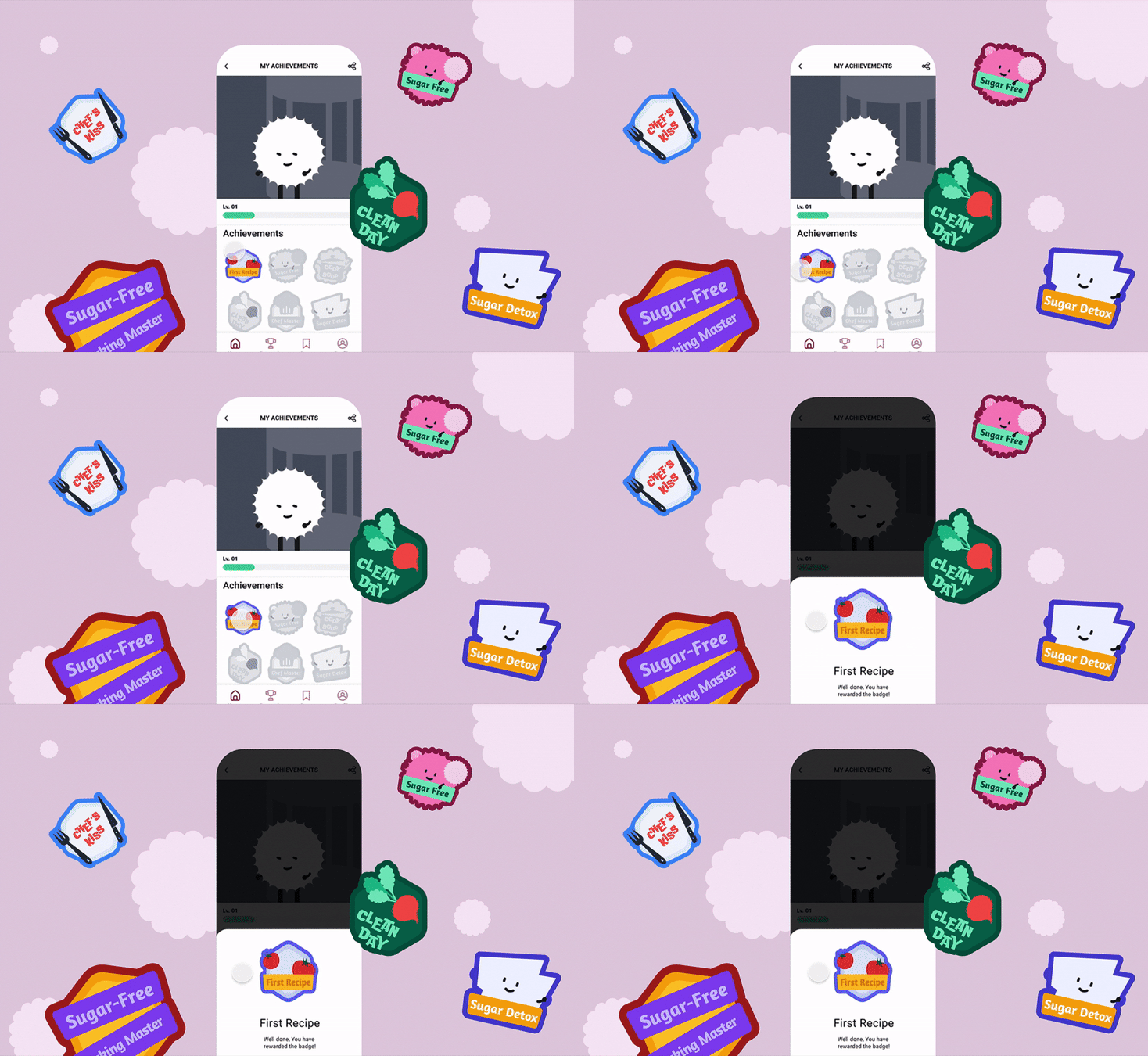
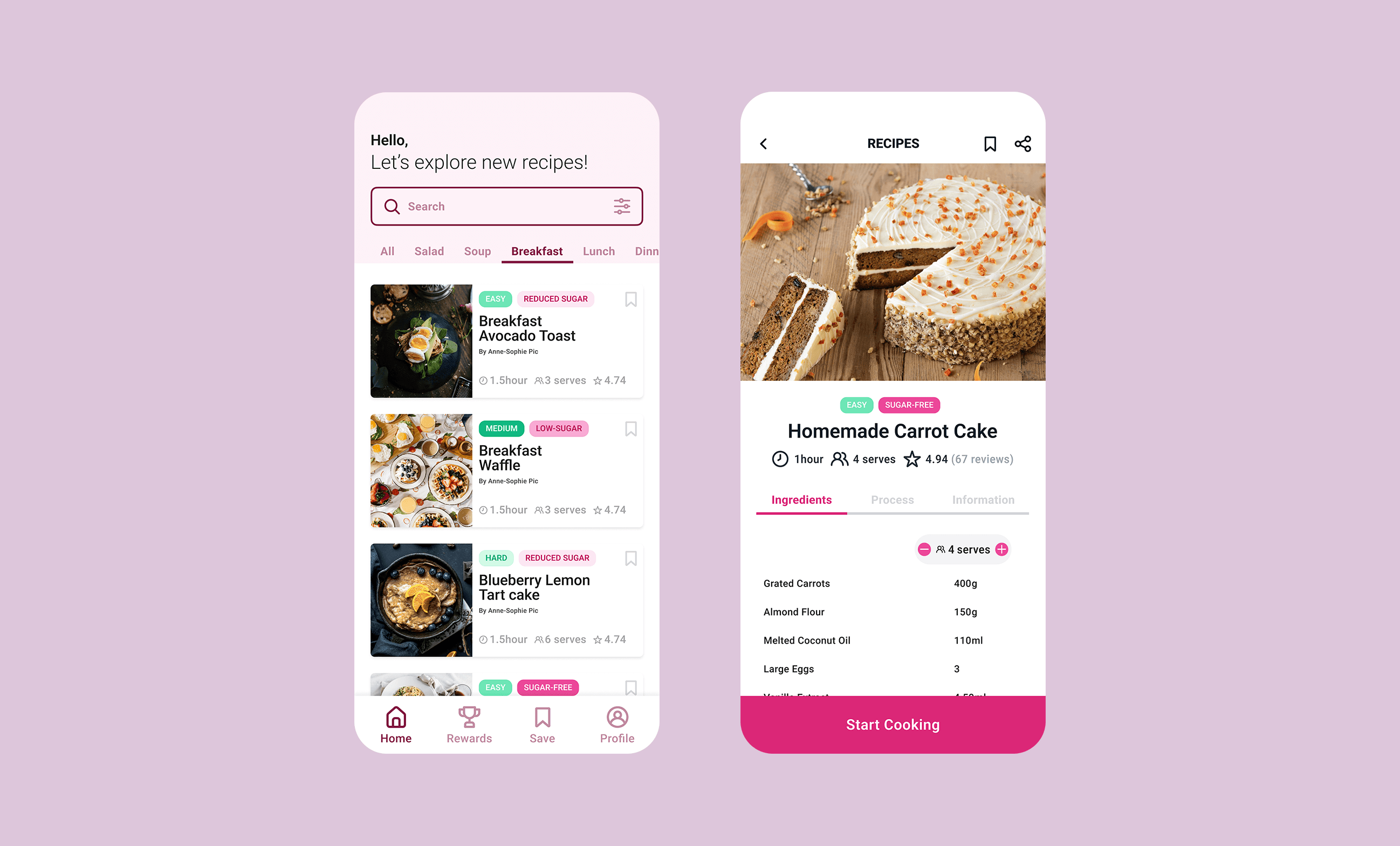
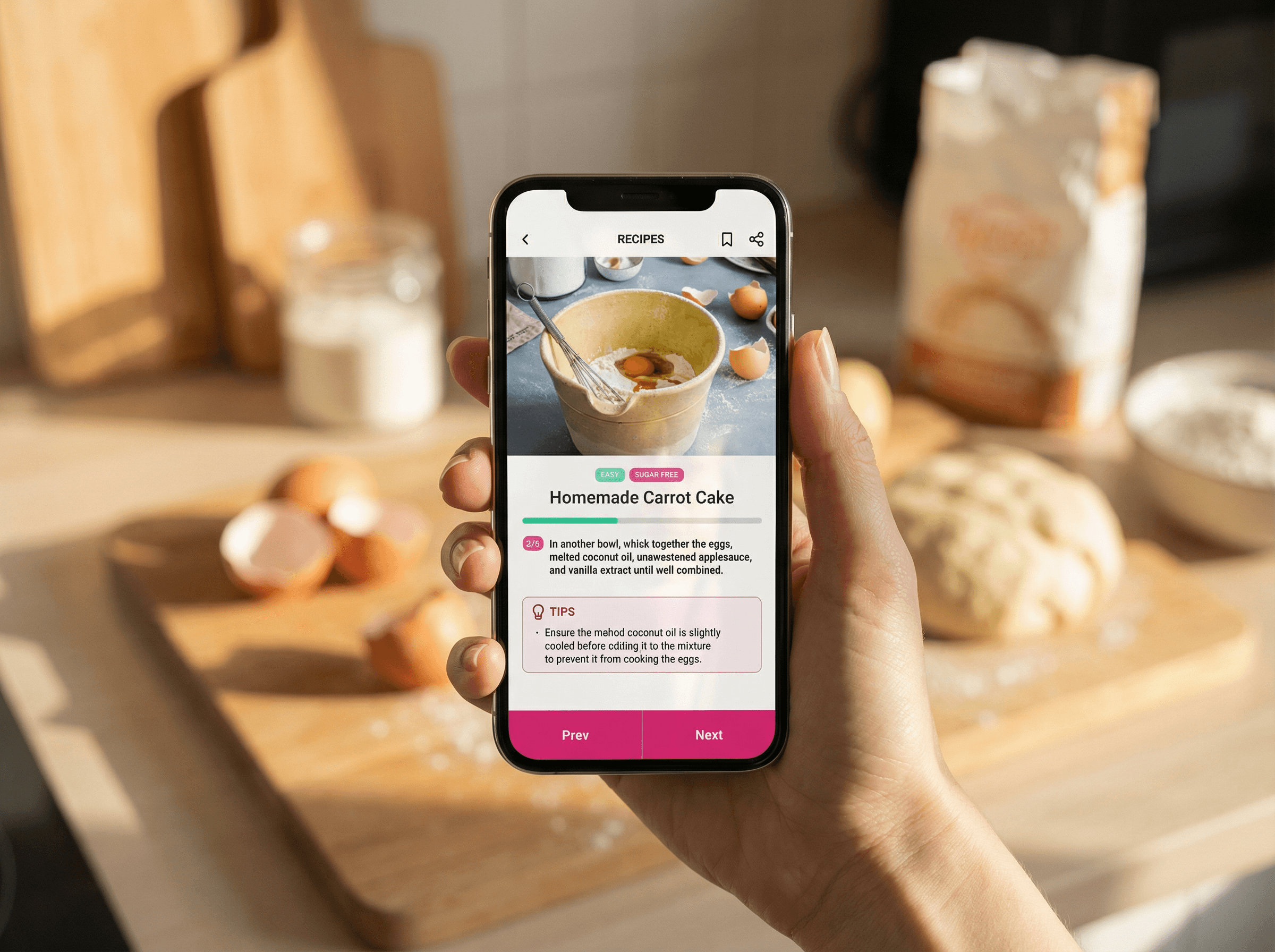
Reflection
What I'd Do Differently
I went in thinking the hardest part would be the UI. It turned out to be resisting the urge to add more. I assumed showing more data would naturally be better — but two rounds of usability testing proved otherwise. What I wanted to express and what users actually needed were two different things. As a designer, I used to equate more features with more value.
Now I know that restraint is its own skill — and often the harder one.
What I Learned
Less is a design decision. Cutting down to three core actions felt risky, but it's what made the app approachable. Simplicity takes more thought, not less.
Design for failure, not just success. Guilt was the main reason users quit — so slip-up days trigger encouragement, not a red warning.
Test earlier. Next time, a rough prototype goes in front of real users on day three, not week three.
What's Next
If I were to continue, I'd explore a Social Cage mode for low-pressure friend comparisons, and run a 2–4 week longitudinal study to find out whether the gamification actually builds lasting habits — because a fun first session and real behavior change are very different things.